Zen mode
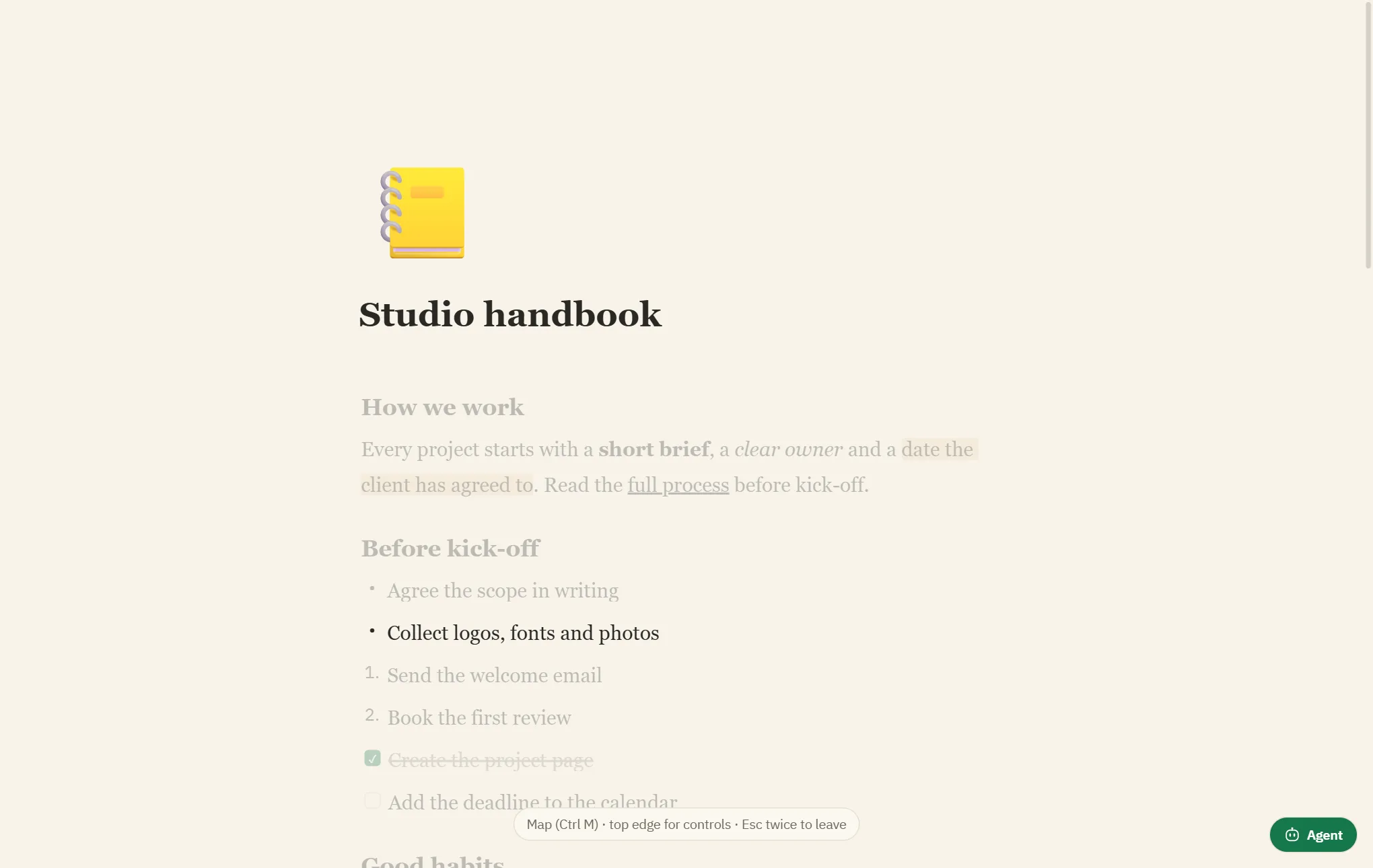
Zen clears away everything except your words.
Enter and leave
Press Ctrl Shift Enter, or choose Page → Enter Zen. Press Esc twice to leave.
The controls
Move your mouse to the top edge of the window.

| Control | Shortcut | What it does |
|---|---|---|
| Focus | Ctrl Shift F | Fades everything but the paragraph or section you are in, or turns fading off. |
| Theme | Ctrl Shift T | Paper, Night, Dusk or Metis. |
| Map | Ctrl M | Opens a map of your pages. |
| Text size | Ctrl = / Ctrl - / Ctrl 0 | Larger, smaller, reset. |
| Timer | Starts a focus timer: 25 minutes, then click again for 50 or 90, or to turn it off. | |
| Typing sound | Plays a soft mechanical keyboard click with each key you type. Off until you turn it on. | |
| Goal | Type a target and Metis tracks your progress toward it. |
The focus timer
Choose Timer in the controls. A thin line along the bottom of the screen shows the time left. When it runs out, a soft chime plays and a break starts: 5 minutes after 25, 10 after 50, 18 after 90. When the break ends, Metis asks if you're ready for another round. Choose Skip to end a break early.
Focus sessions in a study space also count toward its focus minutes and end with a quick recall. See Study spaces and flashcards.
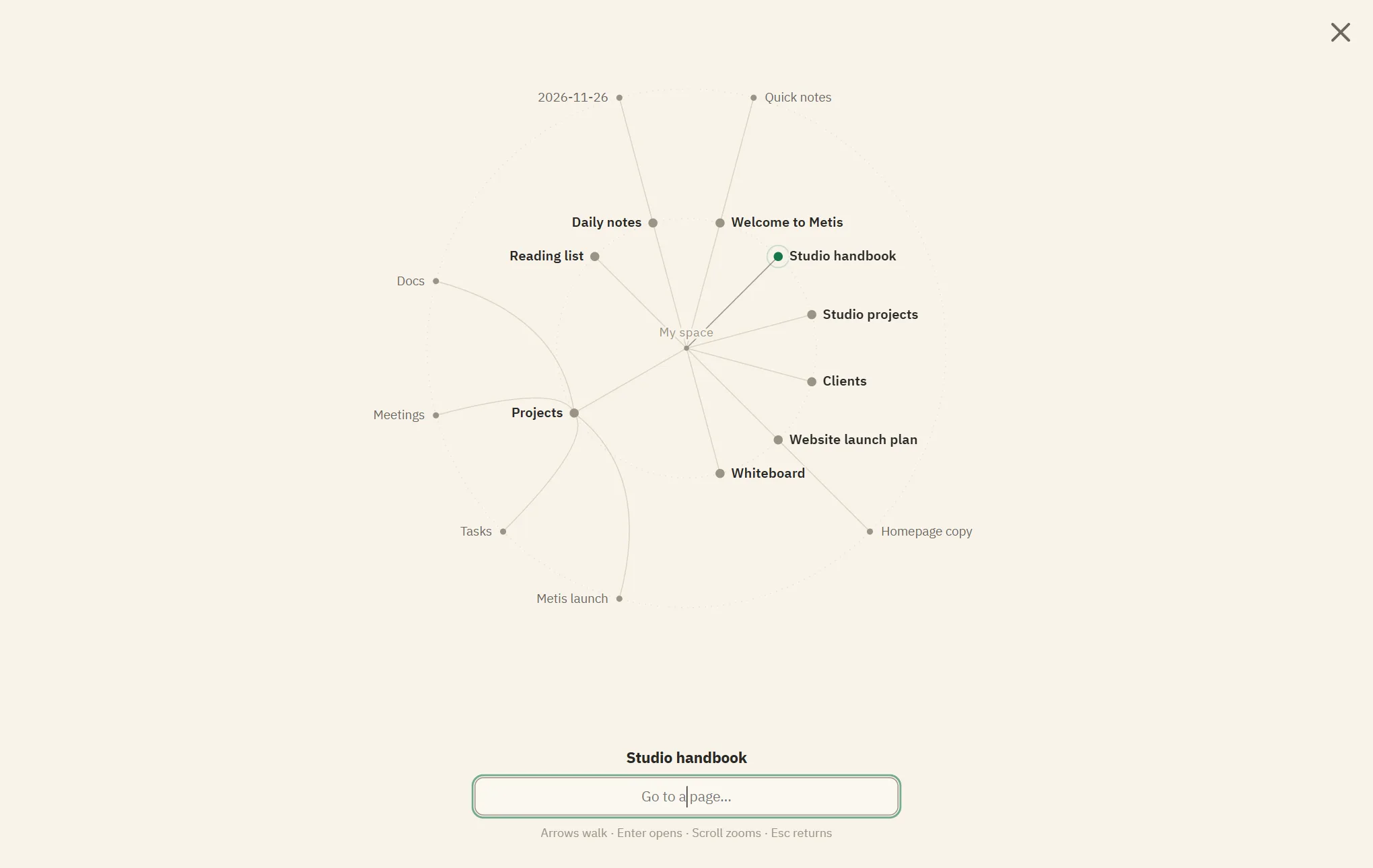
The map of your pages
The map lets you jump to another page without leaving Zen. Use the arrow keys to walk it, scroll to zoom, or type in Go to a page…. Enter opens the page and Esc returns you to writing.