Excalidraw drawings
Sketch diagrams, flowcharts and whiteboards right on a page, with hand-drawn lettering that also works in Arabic.
Excalidraw is built in. Turn it on or off in Settings → Add-ons.
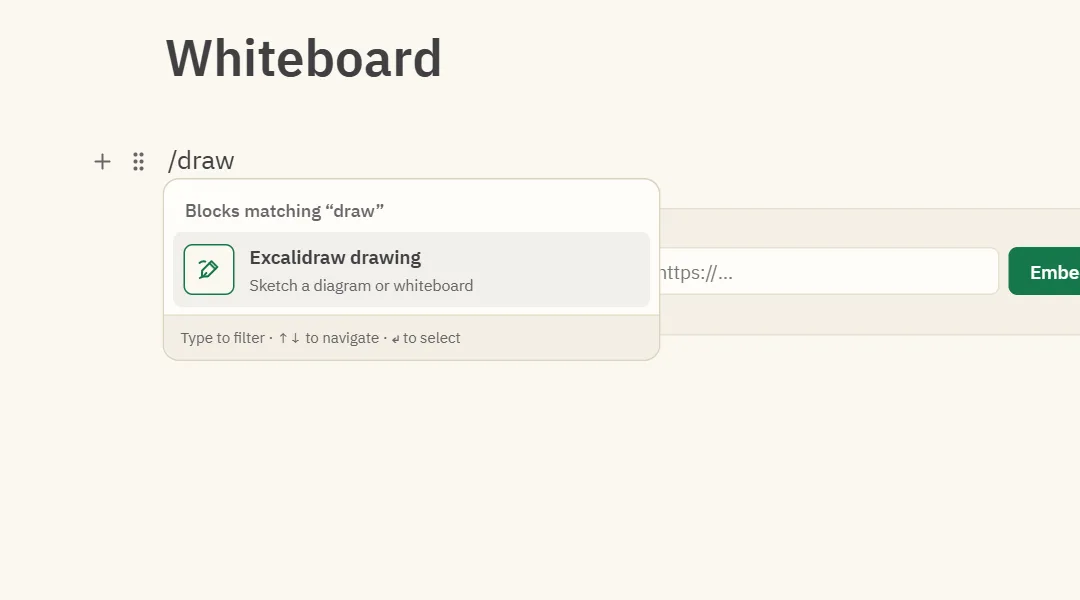
- Type
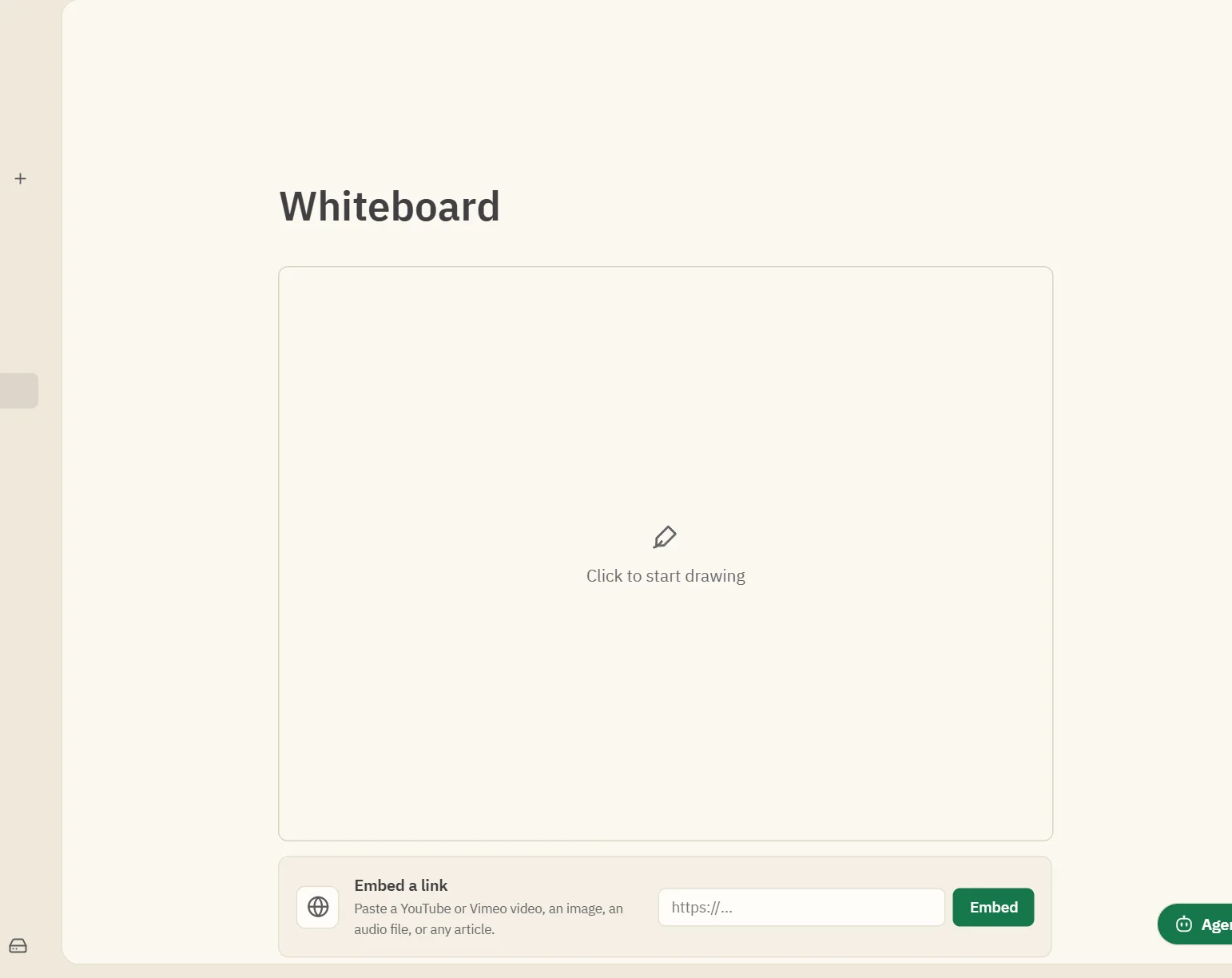
/drawon an empty line and press Enter. - Click Click to start drawing.
- Draw. Your work is saved with the page.
Choose Open full screen for more room, and Back to the page or Esc when you are done.
Good to know: Words in a drawing are included in search. If someone does not have the add-on turned on, they see a picture of the drawing, so nothing disappears.