Comments
Leave notes about a page without changing what is written on it.
- Open the Page menu and choose Comments. Once a page has comments, a speech-bubble button with a count appears in the title bar.
- Type your comment and press Enter or Send.
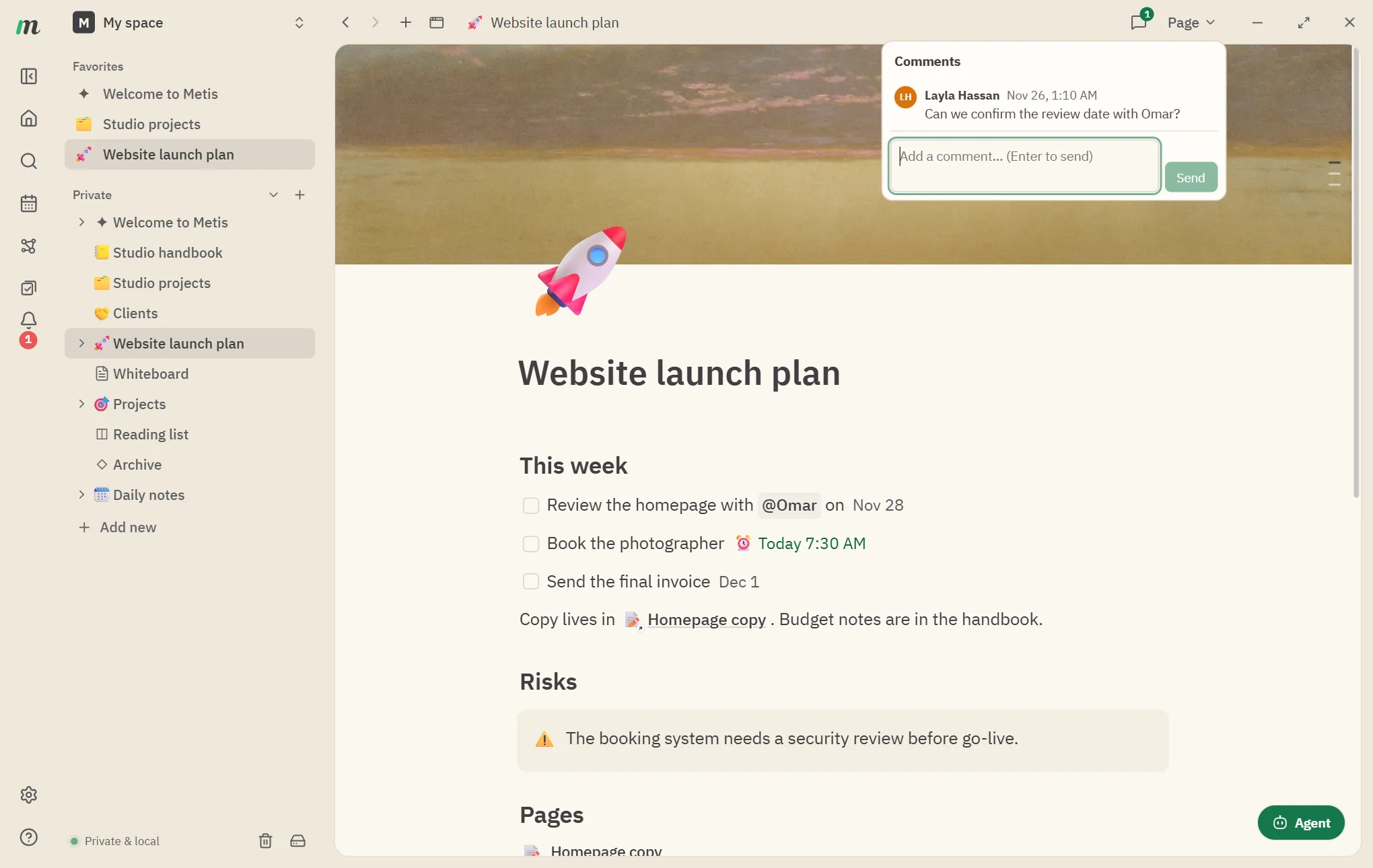
Each comment shows who wrote it and when. Hover over a comment to delete it.
In a Connected workspace everyone with access sees the same comments, and they sync like the page does. To get someone’s attention, mention them with @ in the page.