Mentions, dates and reminders
Type @ to bring in a person, a date, a reminder or another page.
The @ menu
Type @ anywhere in your text.
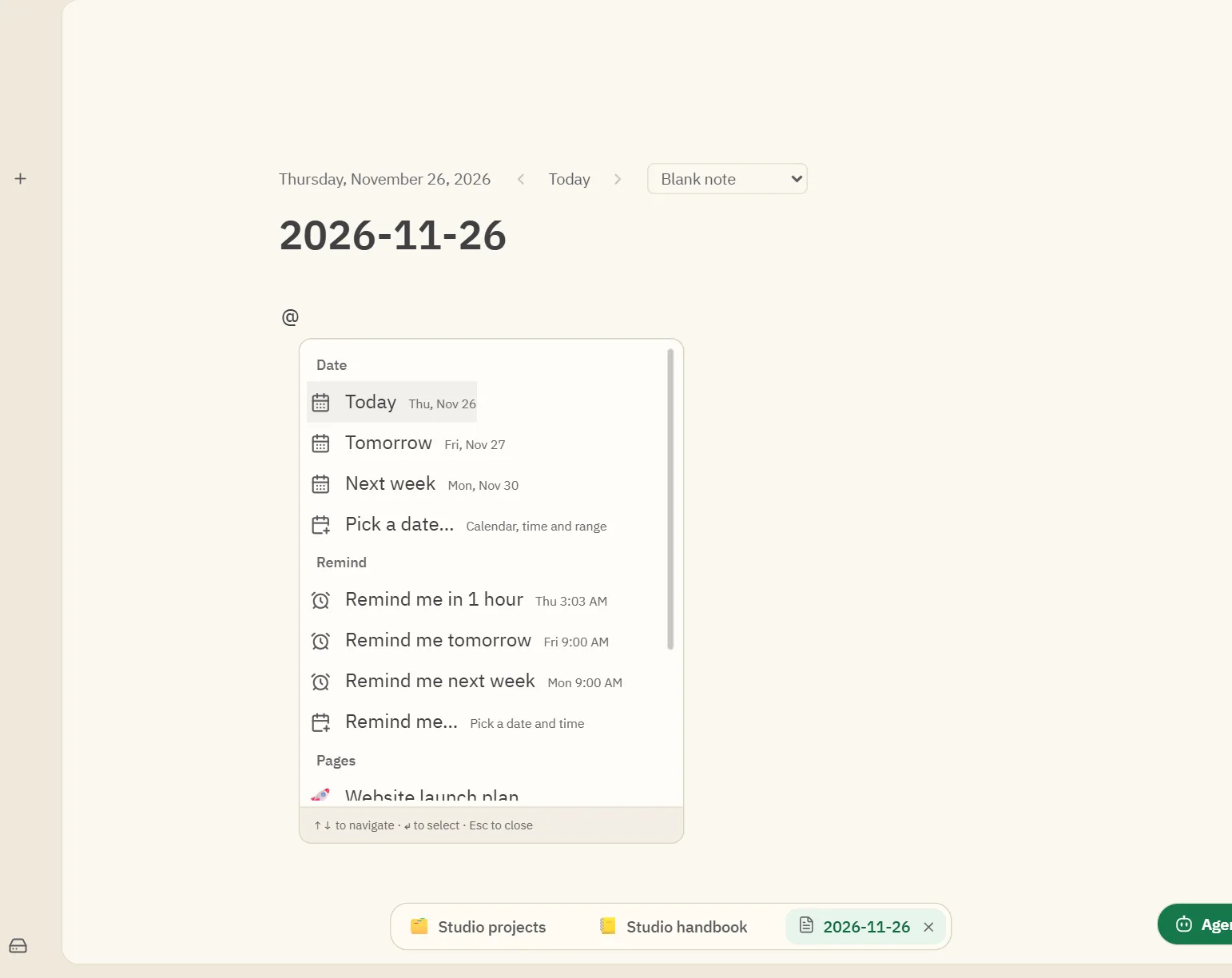
| Group | What it adds |
|---|---|
| People | Mentions a teammate, and they are notified. Connected workspaces only. |
| Date | Today, Tomorrow, Next week, or Pick a date…. |
| Remind | A reminder in 1 hour, tomorrow, next week, or at a time you pick. |
| Pages | A link to another page or database record that follows its title if it is renamed. |
Type + or [[ instead when you only want to link a page.
Pick an exact date
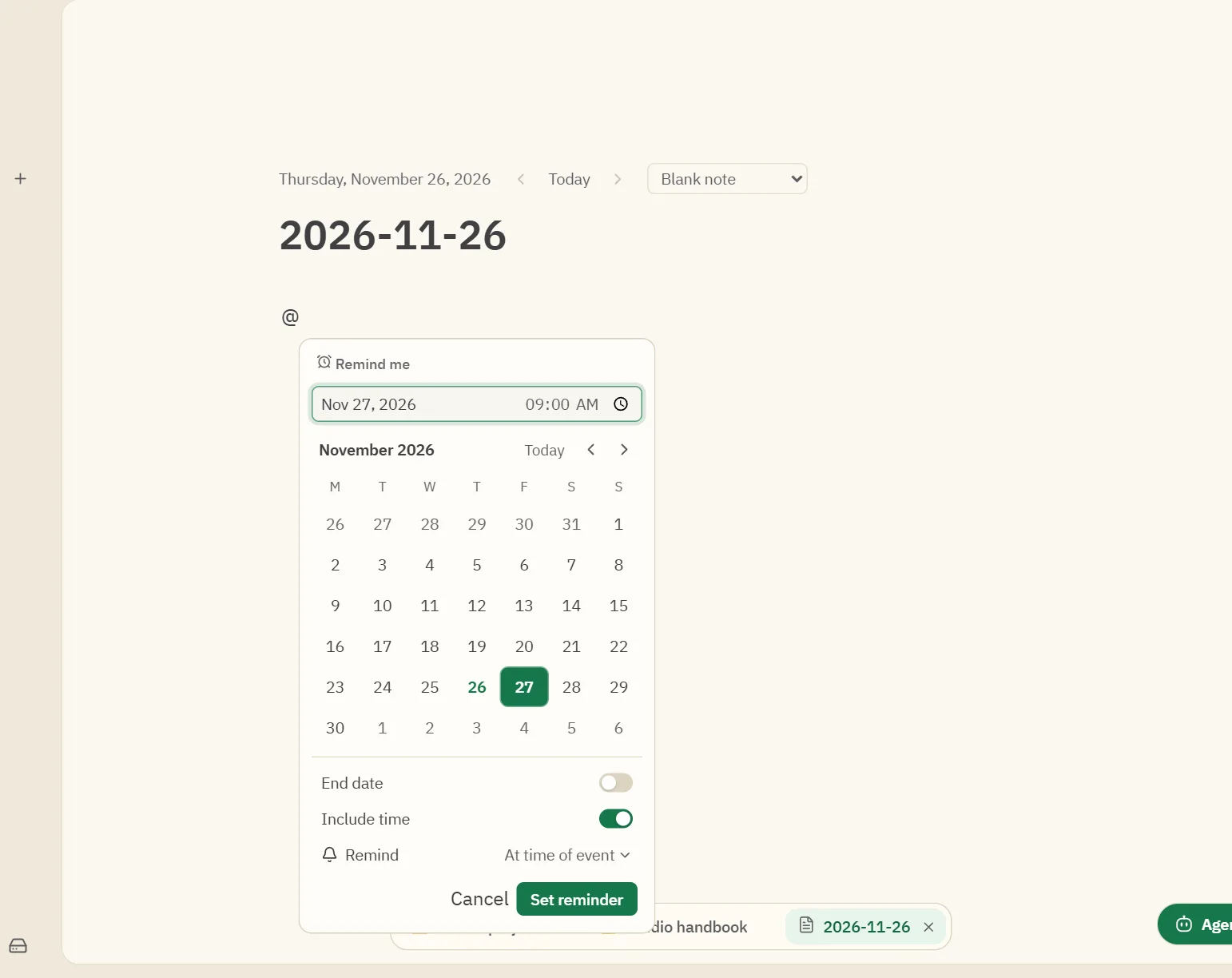
Pick a date… opens a calendar. Turn on End date for a range, Include time for a time of day, and set Remind to be alerted beforehand.
The Inbox
When a reminder comes due, or someone mentions you or assigns you, it lands in the Inbox on the rail, with a red count. In the desktop app you also get a Windows notification.
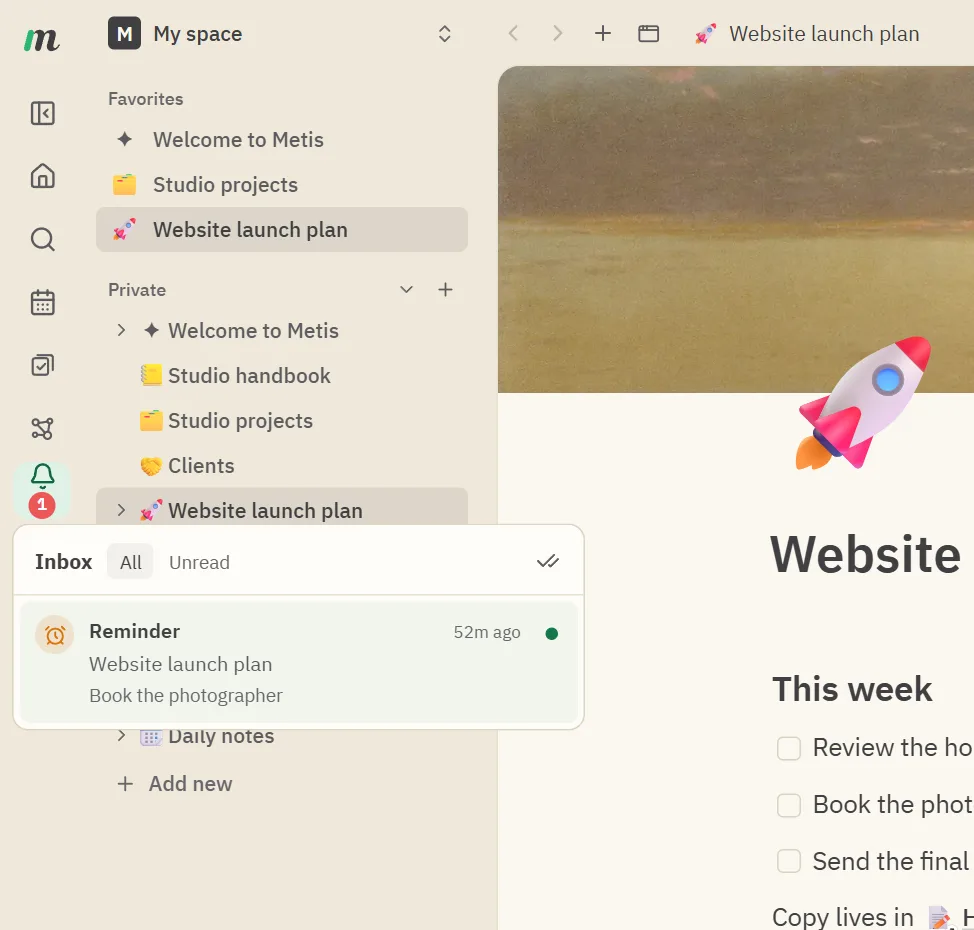
Click an item to go to its page. Switch between All and Unread, or mark everything as read with the double tick.
Daily notes
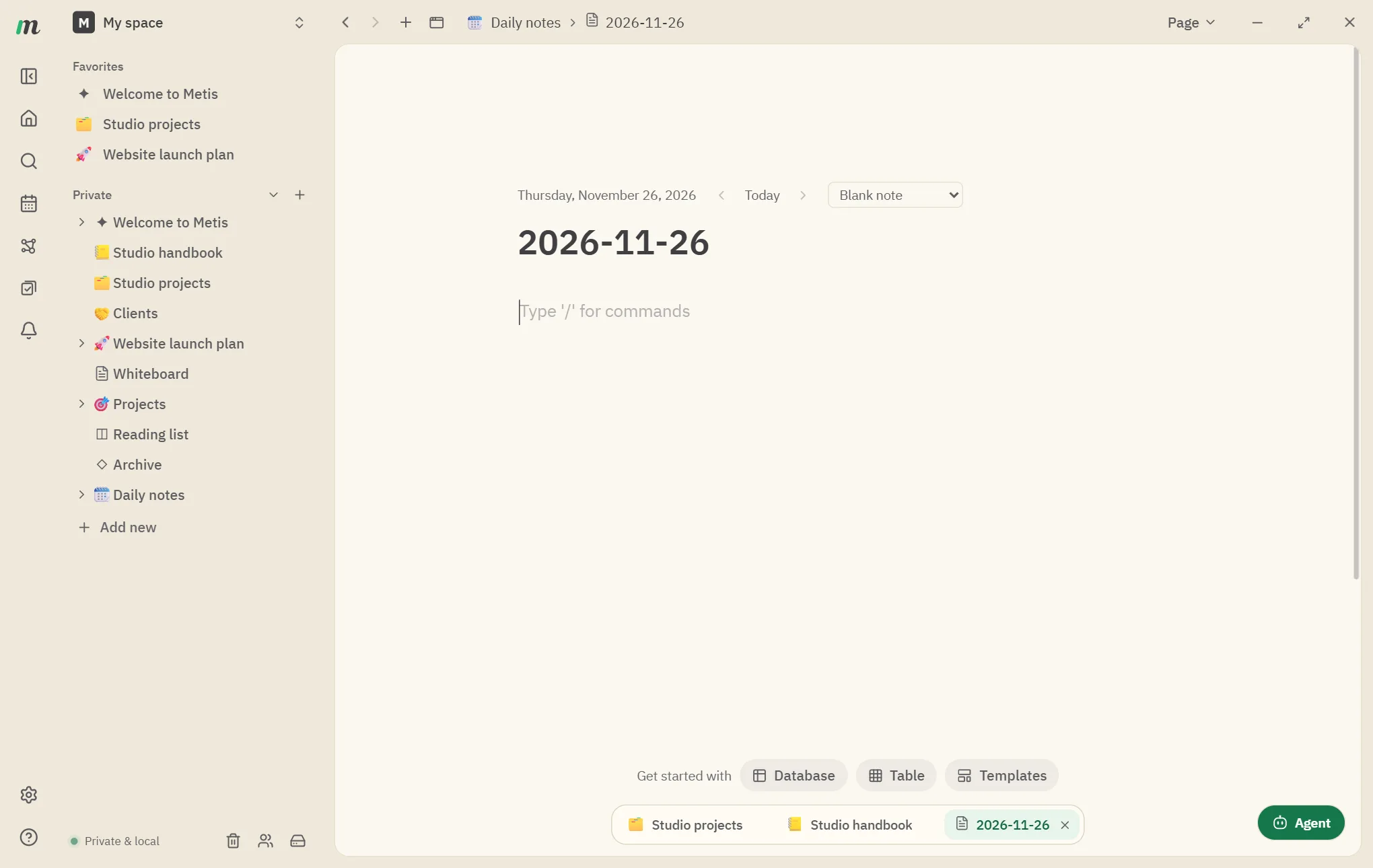
Press Ctrl Shift D or the calendar on the rail. Metis opens today’s note, creating it if needed, and files it under Daily notes in the page list. Use the arrows above the title to step between days.
Daily note templates
New daily notes start blank. To start each day from a template, open any daily note and pick one in the Template menu beside the arrows:
- Journal template: a ready-made journal with today’s top 3, what you’re grateful for, notes, an evening reflection and your mood.
- New template…: makes a page you can edit freely, kept inside Daily notes. Any page you keep there (that isn’t a daily note itself) shows in the menu as a template.
- Blank note: turns templates off again.
The template applies to new notes, and to today’s note if nothing is written in it yet. You can also ask the Metis agent to write a template for you, for example “make me a daily template for studying”; then choose it in the menu.