Private cloud and encryption
Your notes on every device, encrypted with a password only you know. Cloud sync is free, with 512 MB for pictures and files.
Turn on cloud sync
- Open Settings → Plan & billing.
- Choose Turn on cloud sync. When you sign up, you can also choose Cloud synced instead of Private.
- Read the summary and choose Start 14-day free trial. No card is needed. The trial is Pro: more storage, AI connectors, a few Metis AI builds and an hour of Metis Voice. Syncing stays free after it ends.
- Choose Choose notes password and set one.
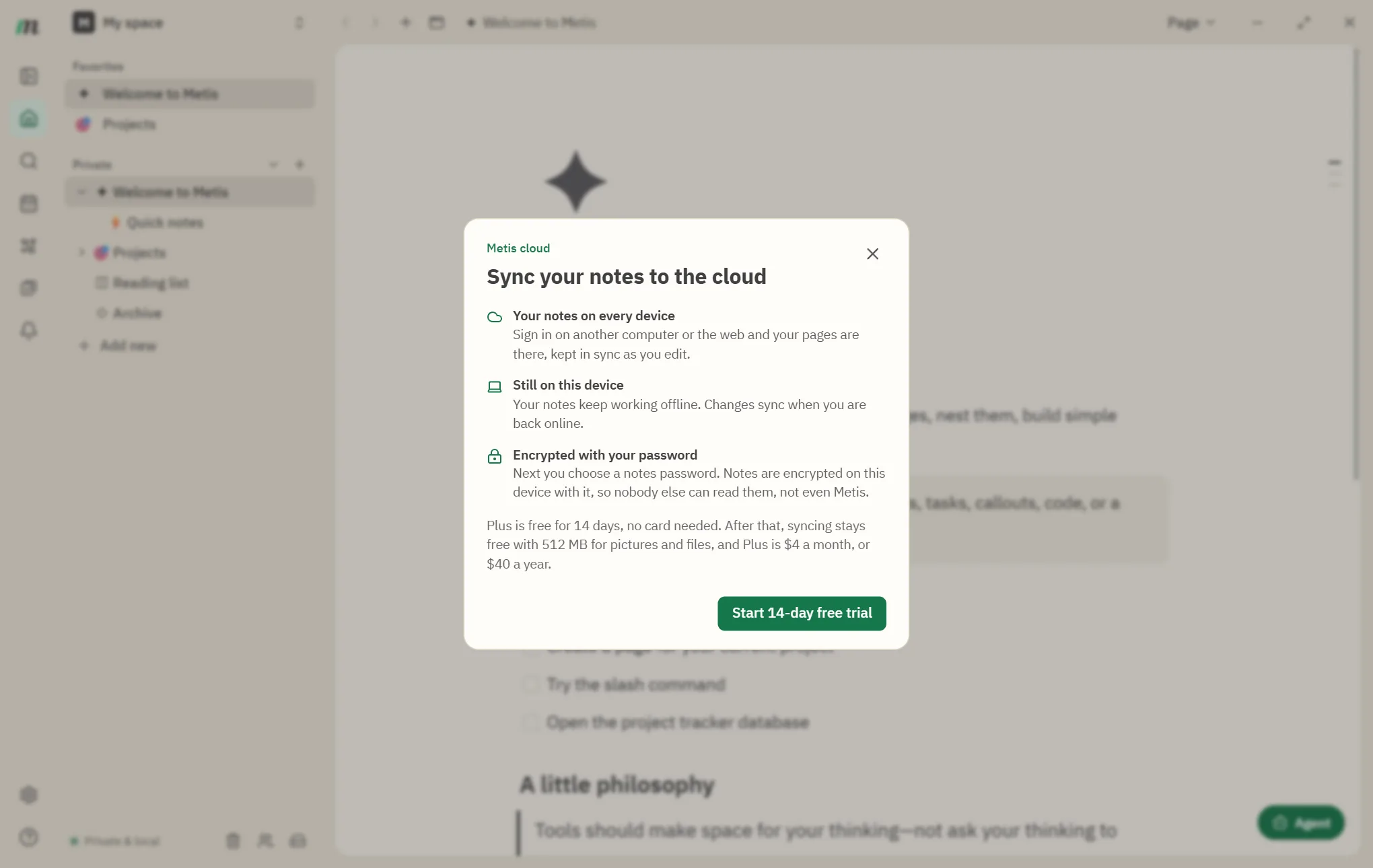
Your notes stay on your computer and keep working offline. Changes sync when you are back online.
Your notes password
Your notes are encrypted on your device before they are uploaded. Nobody else can read them, not even Metis.
Three things you choose take part of your notes out of the encryption, and Metis asks before each: Metis AI and Metis Voice send what they work on through Metis's server to the AI or speech service, and sharing a calendar keeps its titles and dates readable on the server. To keep everything encrypted, use your own API keys for the agent and voice instead: they are sent straight to the provider.
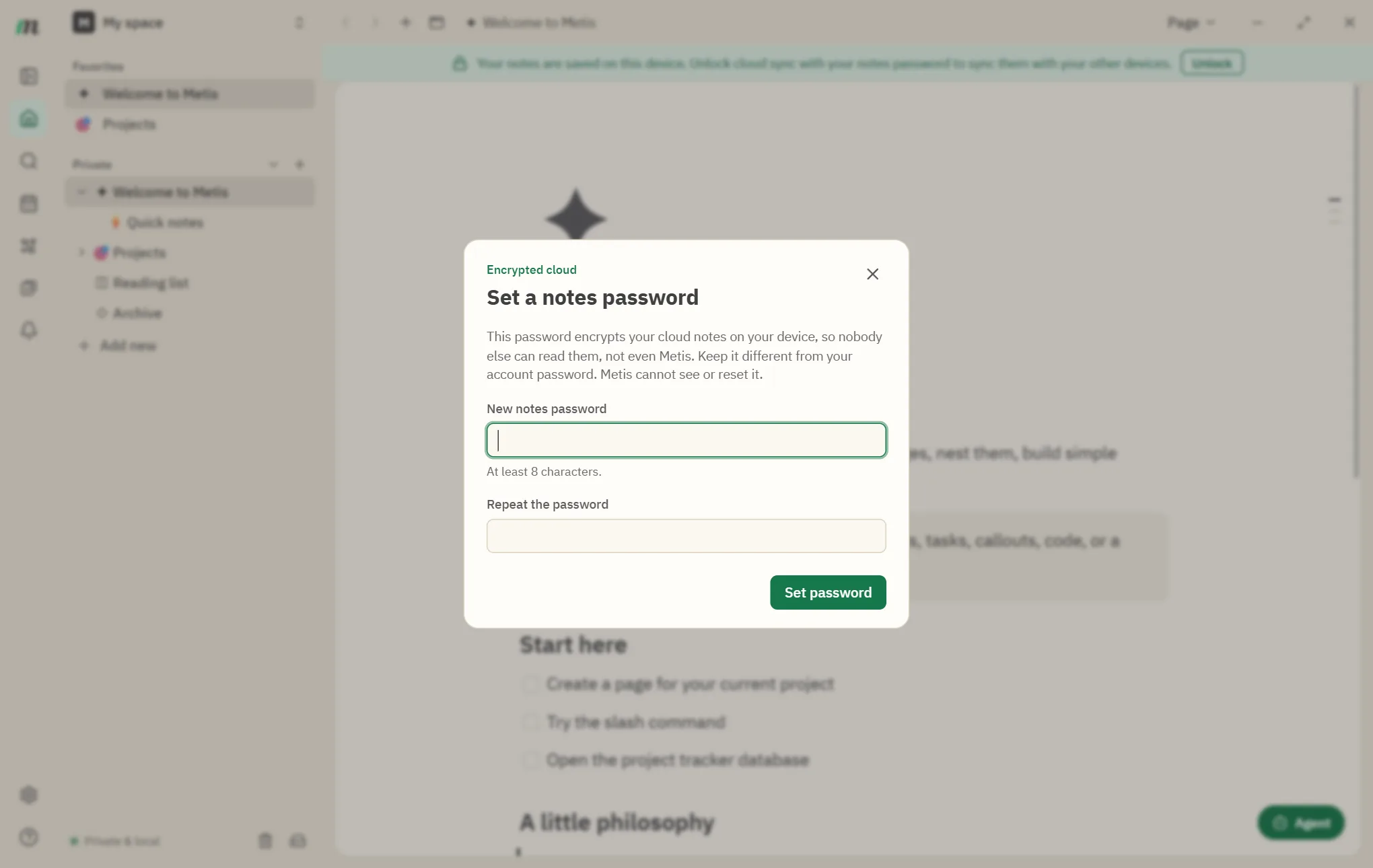
Your notes password is separate from your account password, and it should be different.
If you set a notes password before Metis encrypted notes, the first time you unlock your cloud Metis asks you to choose a new one. The old one was checked on Metis's server; the new one never leaves your devices.
| Account password | Notes password | |
|---|---|---|
| Used for | Signing in | Opening your encrypted notes |
| Forgotten? | Reset it by email | Only your backup code can help |
Save your backup code
After setting the password, Metis shows a backup code once.
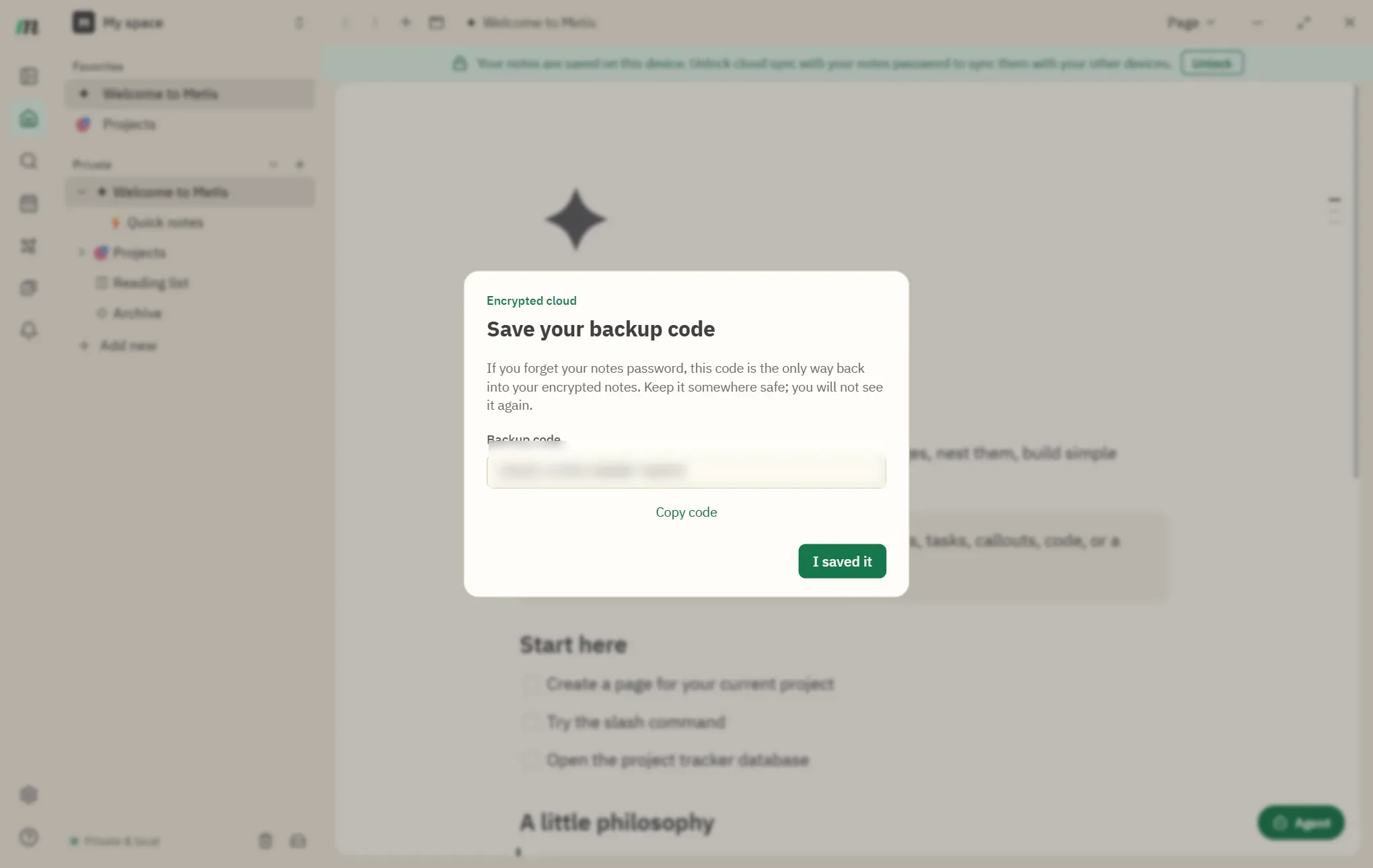
Careful: If you lose both your notes password and your backup code, your encrypted notes cannot be recovered by anyone. Store the code outside Metis, such as in a password manager.
Use another device
- Sign in on the other computer, or at app.metisnote.com.
- Enter your notes password when asked. Your pages arrive.
If a banner says your notes are saved on this device and asks you to Unlock, enter your notes password to resume syncing.
Turn it off
In the desktop app, go to Settings → Plan & billing → Turn off cloud sync. This deletes the encrypted cloud copy and ends any plan. Your notes stay on this computer, with their pictures and attached files brought back from the cloud first (so stay online until it finishes), but your other devices and the website stop syncing.
Good to know: When a trial or paid period ends, syncing keeps going on the free tier. Only storage drops to 512 MB, and Metis AI and the other extras stop. See plans and billing.